Table of contents
Destination Filtering
The destination filtering mechanism lets you select a default behavior for every file and more specifically at publish time the storages that will be delivered.
Filter Mechanism Description
A general boolean switch syncEverywhere in rsyncGlobalParameters tells the default behavior of the synchronisation for every files:
{
    "_id": "rsyncGlobalParameters",
    "syncEverywhere": true
}
truewill synchronise the files everywhere by defaultfalsedisables synchronisation by default
The default behavior can be overridden for each file, setting the syncEverywhere key to the desired boolean value directly on the files' records:
{
    "_id": "/filepath",
    "origin": "storage1",
    "syncEverywhere": false
}
This won't synchronise this specific file anywhere. You can then specify the storages that will receive the file using the sync_<storagename> boolean switches:
{
    "_id": "/filepath",
    "origin": "storage1",
    "sync_storage4": true,
    "syncEverywhere": false
}
Using the same method, you can remove a storage from the expected destinations specifying false in the sync_<storagename> key:
{
    "_id": "/filepath",
    "origin": "storage1",
    "sync_storage4": false
}
This will synchronise this file on every storages but storage4.
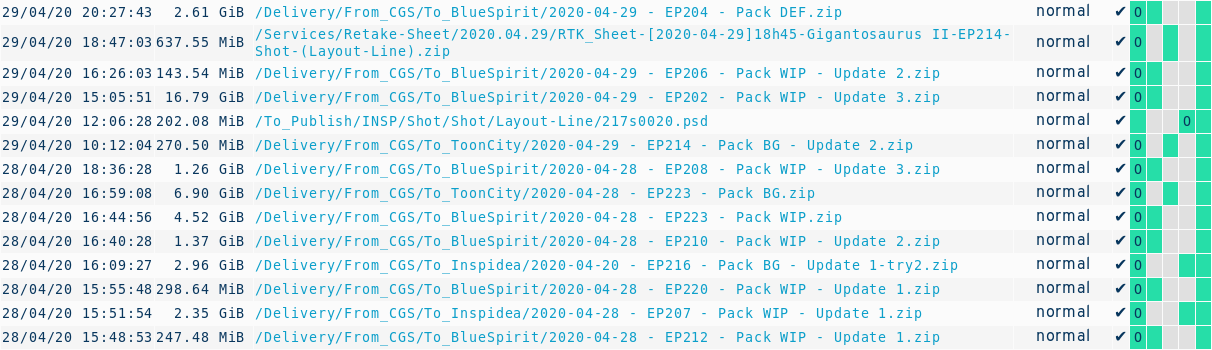
Verify Waiting Lists
The tracker has 2 operations /api/listup and /api/listdown to evaluate and communicate to the agents the next elements to transfer. Get 10 elements to upload from source to target:
https://trackername.syncplanet.io/api/listup/source/target/10
Get 10 elements to download from source to target:
https://trackername.syncplanet.io/api/listdown/source/target/10
Notes
Depending on your synchronisation setup, some storages may behave like hubs to other sites:
storage1 -> storage2 -> storage3
This means that the storage2 must get a file in order to transfer this file to storage3. Therefore you must set the keys accordingly.
The mechanism was described in this issue.